
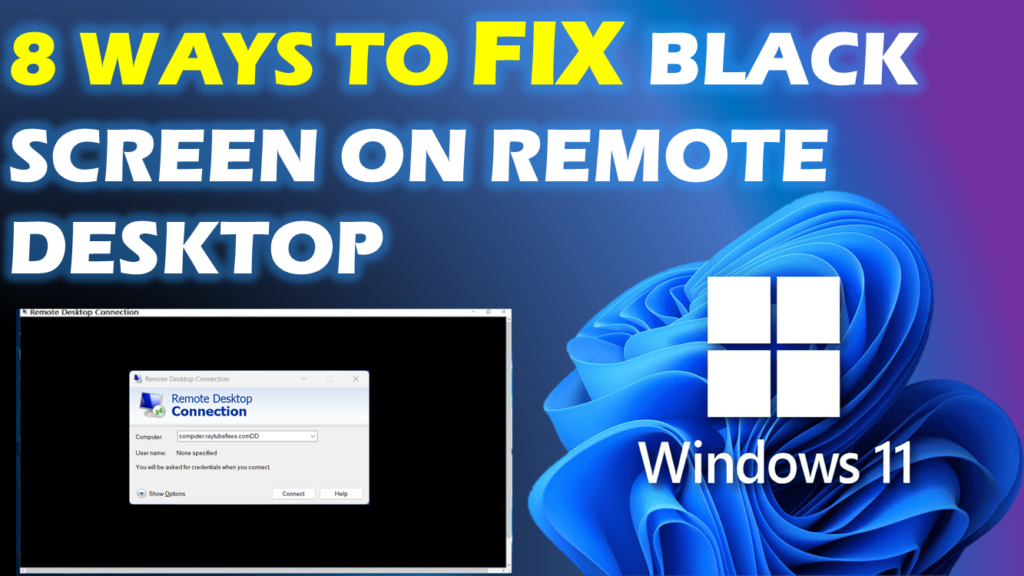
Fix: Windows 11 Remote Desktop Black Screen
The Windows 11 Remote Desktop black screen is most commonly caused by display driver conflicts, unstable UDP network transport, or a stuck Windows session. Fix this by disabling “Persistent bitmap caching” in your client settings, forcing TCP-only RDP transport, or restarting the graphics driver inside the session.